
From a written script to a talking presenter: text-to-speech, then lip-sync
Two generations turn a script into a presenter: a voice model reads the text, then a lip-sync model puts that audio on a face. The voice step is cheap enough to redo a dozen times; the face step is not. Here is the order that saves the credits, with measured numbers.
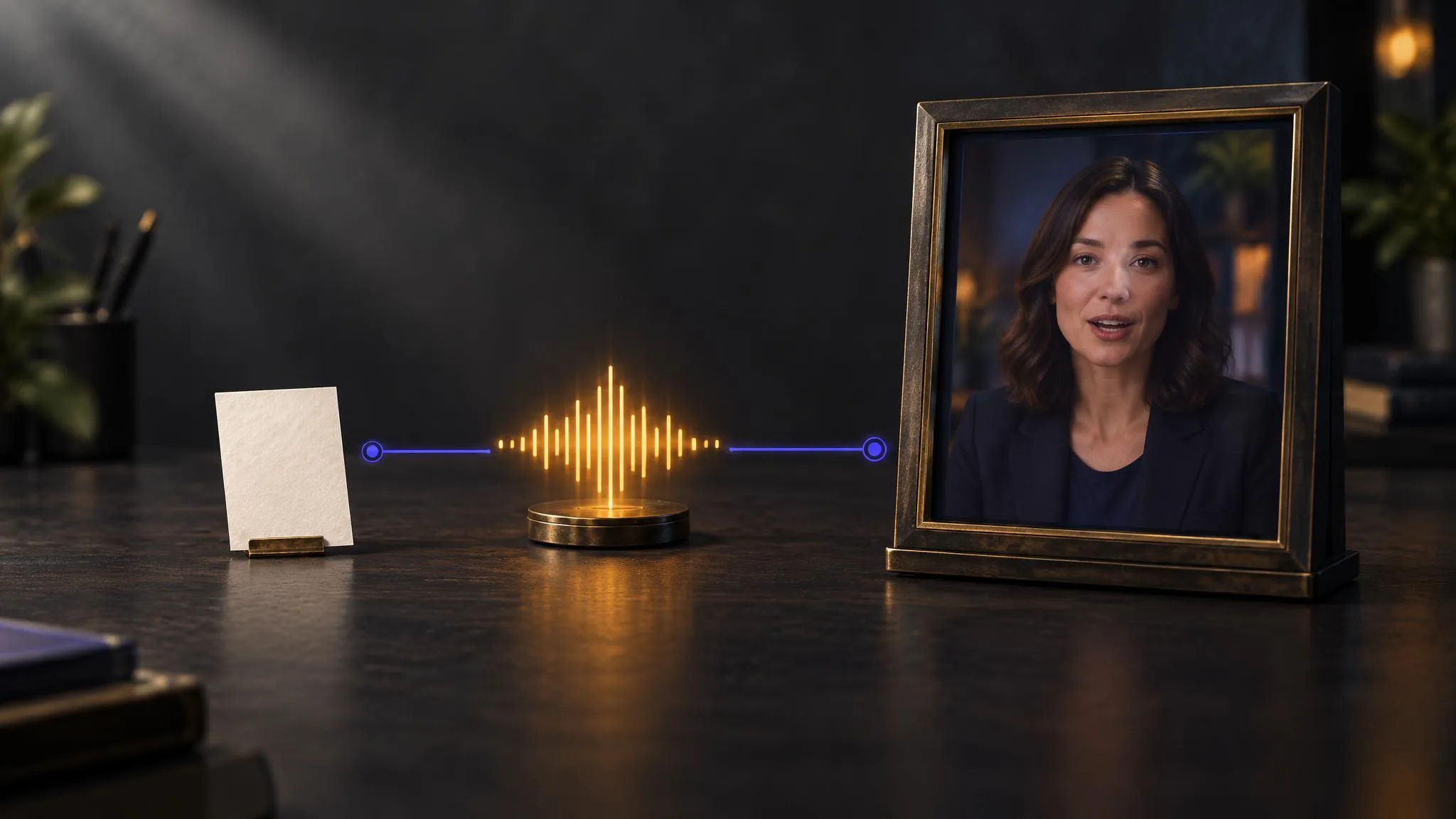
A talking presenter is two generations, not one. First a voice model reads your script into an audio file; then a lip-sync model takes that file and a portrait and animates the face to it. The order matters less than the economics: on LUVI the voice step costs tens of credits and the face step costs thousands, so the whole craft of this workflow is getting the read right before you ever animate it.
Step one: turn the script into a voice
Seven text-to-speech models sit in the catalog, and they are priced by the character rather than by the clip—per 1,000 characters, linearly, with no block rounding. A 600-character paragraph costs about six-tenths of the thousand-character rate.
The ladder, checked on September 22, 2026:
- xAI TTS v1: from 30 credits per 1,000 characters.
- Gemini 2.5 Flash TTS: from 80.
- MiniMax Speech 2.6 Turbo: from 96.
- Gemini 2.5 Pro TTS and MiniMax Speech 2.6 HD: from 160.
- ElevenLabs v3: from 200.
- Gemini 3.1 Flash TTS: from 300.
Because the price follows the character count, this is the one step in the chain you can afford to iterate on. Rewriting a sentence and re-reading the whole script costs about as much as a cup of coffee costs in credits, and it is the cheapest possible place to discover that a line does not sound like a person saying it.
Which voice model, and how do you steer it?
ElevenLabs v3 is the one with the most steering. It exposes 21 named voices, a stability dial from 0 to 1, a language_code field that forces a language, and a text-normalization switch with auto, on and off—which decides whether numbers get spelled out. Its own note is worth heeding: the multilingual voices support all languages, while the others are tuned to their native language and will change the language field if you pick them.
That normalization switch is the sleeper. A script containing "2026" or "$1,250" reads very differently depending on whether the model spells it out, and auto does not always guess the way a presenter would. If your script is full of figures, set it deliberately.
Step two: put the voice on a face
Now the audio becomes the clock. The portrait lip-sync models bill by the second of audio, so the length of the file you just made is the size of the bill:
- OmniHuman 1.5 takes a portrait and up to 60 seconds of audio.
- VEED Fabric 1.0 takes up to 300 seconds.
- InfiniteTalk takes up to ten minutes, at 480p or 720p, and is the only option once a script runs long.
The portrait wants the same things a good headshot wants: front-facing, evenly lit, no hard shadow across the mouth, nothing crossing the jaw line.
What does the whole chain cost?
A measured example, run as estimates on September 22, 2026. The script is a single paragraph of about 600 characters—roughly forty seconds when read aloud at a natural pace.
- Voice, on Gemini 2.5 Flash TTS: 49 credits.
- Face, on OmniHuman 1.5 with that forty seconds of audio: 9,600 credits.
The face step is about two hundred times the voice step. That single ratio is the whole argument for the order in this post: generate the voice, listen to it, fix the script, generate the voice again, and only when the read is right spend anything on the picture. Trimming two seconds of silence off the front of the audio file is worth more here than any prompt you could write.
How we checked
- Models: the seven text-to-speech rows in the audio catalog, plus
bytedance/avatar-omni-human-v1.5,veed/fabric-1.0/image-to-videoand the InfiniteTalk row. - What was read: each row's parameters and reference slots, and its price, taken both from the app's own catalog code and from the live public model pages; the two agreed for every figure above.
- Date and runs: September 22, 2026. The two numbers in the worked example are live credit estimates for a 600-character script and a forty-second audio track.
- Results: 49 credits for the voice, 9,600 credits for the animated face, and the per-1,000-character ladder as listed.
- Drawbacks: No outputs were generated for this post, so it makes no claim about voice quality or sync quality. Forty seconds is an estimate of reading time, not a measurement of a specific file—your own audio length is what the second step will bill.
In LUVI
You can run this as two steps in the Workspace, and for a one-off that is the fastest route: generate the audio, find it in your Library, then open the lip-sync model and drop the portrait and the audio into its two slots.
For anything you will repeat, wire it as a workflow instead. The node canvas chains the audio output straight into the lip-sync model's audio slot, so a script change re-runs the whole chain without you shuttling files, and the estimate for the whole graph appears before it runs. Workflows are desktop only.
The same chain can be driven from Claude or ChatGPT through the LUVI connector, which is genuinely useful here: the assistant can hold the script, adjust a line, and re-run just the voice step until the read is right.
New here? Create a LUVI account and spend your first credits on two or three versions of the voice before you animate anything.
Sources
- OmniHuman-1.5 — OmniHuman Lab, project page. Accessed September 22, 2026.
- ElevenLabs — ElevenLabs, product site. Accessed September 22, 2026.